#security
Every post tagged security.
Blog posts
How to Encrypt Proxmox VE Backups: Client-Side Encryption with Proxmox Backup Server
Turn on client-side AES-256 encryption for Proxmox Backup Server, set up a master key and paperkey for disaster recovery, and avoid the mistakes that make encrypted backups permanently unreadable.
How to Access Proxmox VE Remotely and Securely (Without Exposing Port 8006)
Learn the safe way to reach your Proxmox VE web interface from outside your home network: SSH tunneling for quick access, a full Tailscale VPN setup, and locking down pveproxy so port 8006 never touches the open internet.
How to Change the Root Password in Proxmox VE (GUI, Shell, and pveum)
Learn three ways to change the root password on a Proxmox VE host: the web GUI Password button, the Linux passwd command, and the pveum CLI tool — plus what to do if it does not seem to take effect.
Privileged vs Unprivileged LXC Containers in Proxmox VE: Understanding the Security Tradeoffs
Every Proxmox container is created privileged or unprivileged, and that one checkbox decides how much of your host a container escape could reach. Here's what the two modes actually do at the kernel level, and how to choose and convert between them.
Proxmox VE Role-Based Access Control: Users, Groups, Roles, and Permissions Explained
Learn how Proxmox VE's RBAC system works and how to delegate access safely, with step-by-step examples for creating a restricted VM operator, a read-only auditor, and a backup-only account without ever sharing the root password.
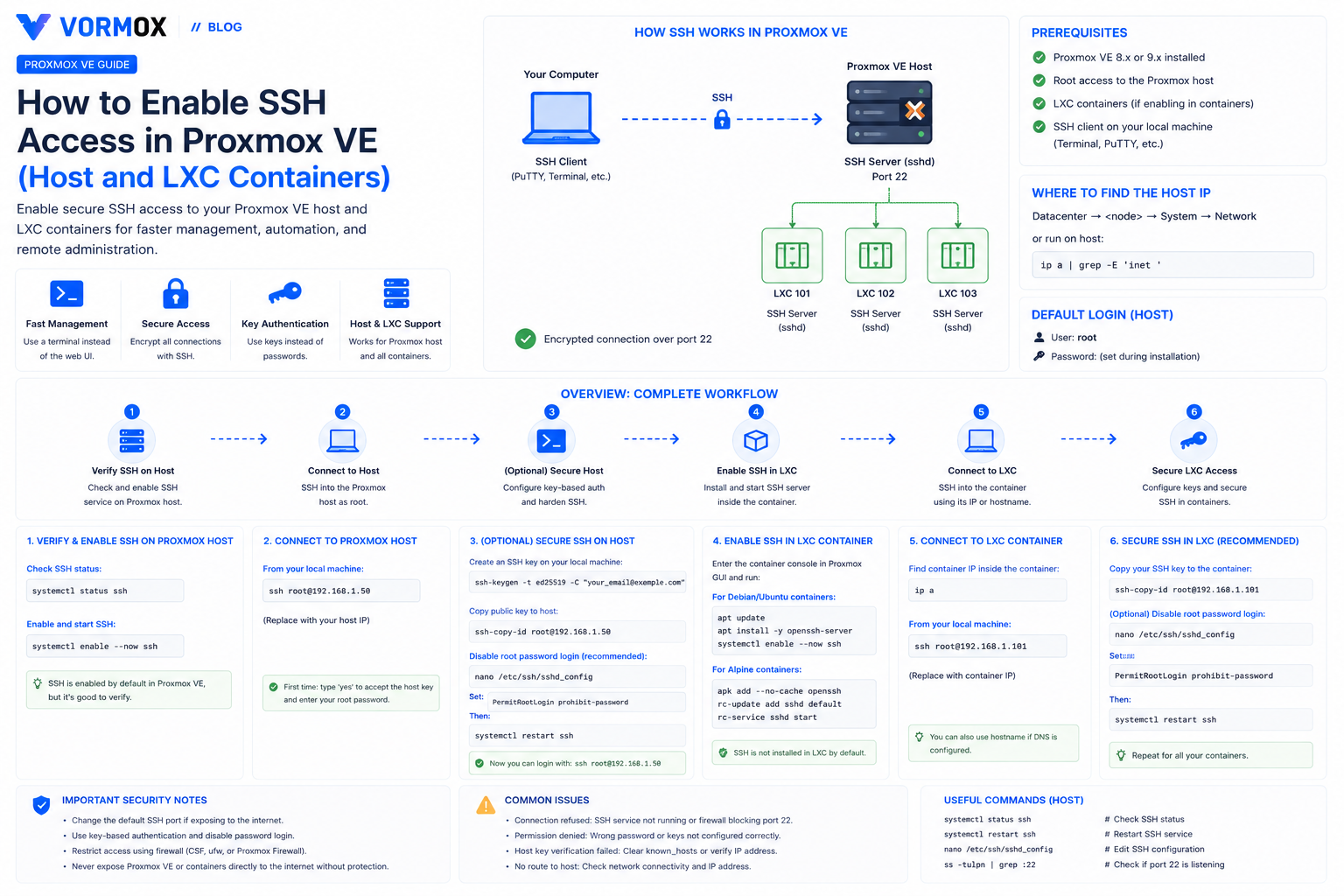
How to Enable SSH Access in Proxmox VE (Host and LXC Containers)
SSH already works on a fresh Proxmox VE host, but LXC containers don't come with it. Here's how to connect to both, lock down root login, and fix the errors people hit along the way.
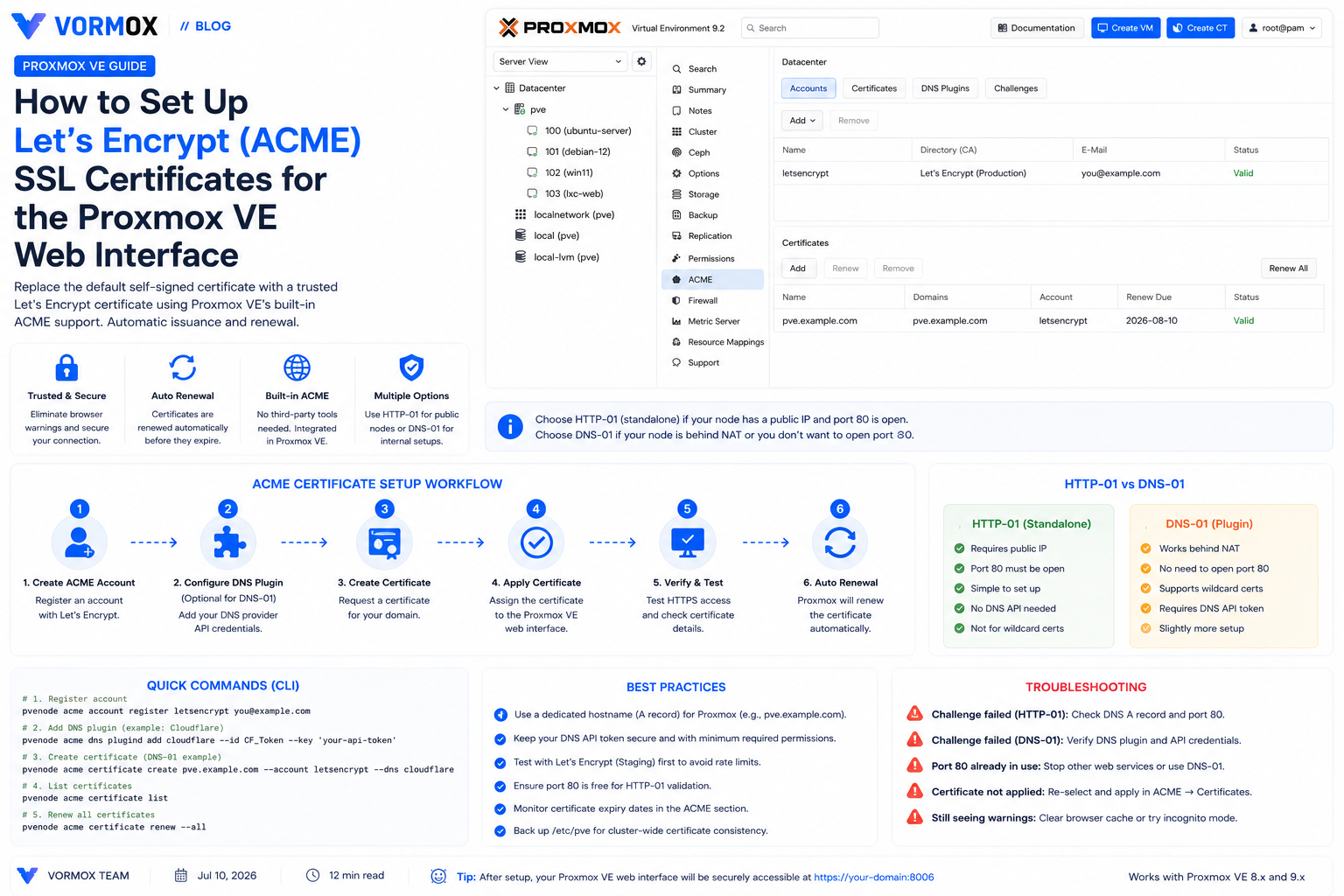
How to Set Up Let's Encrypt (ACME) SSL Certificates for the Proxmox VE Web Interface
Proxmox VE's web UI ships with a self-signed certificate by default. Here's how to replace it with a trusted, auto-renewing Let's Encrypt certificate using the built-in ACME client, via HTTP-01 or DNS-01 challenges.
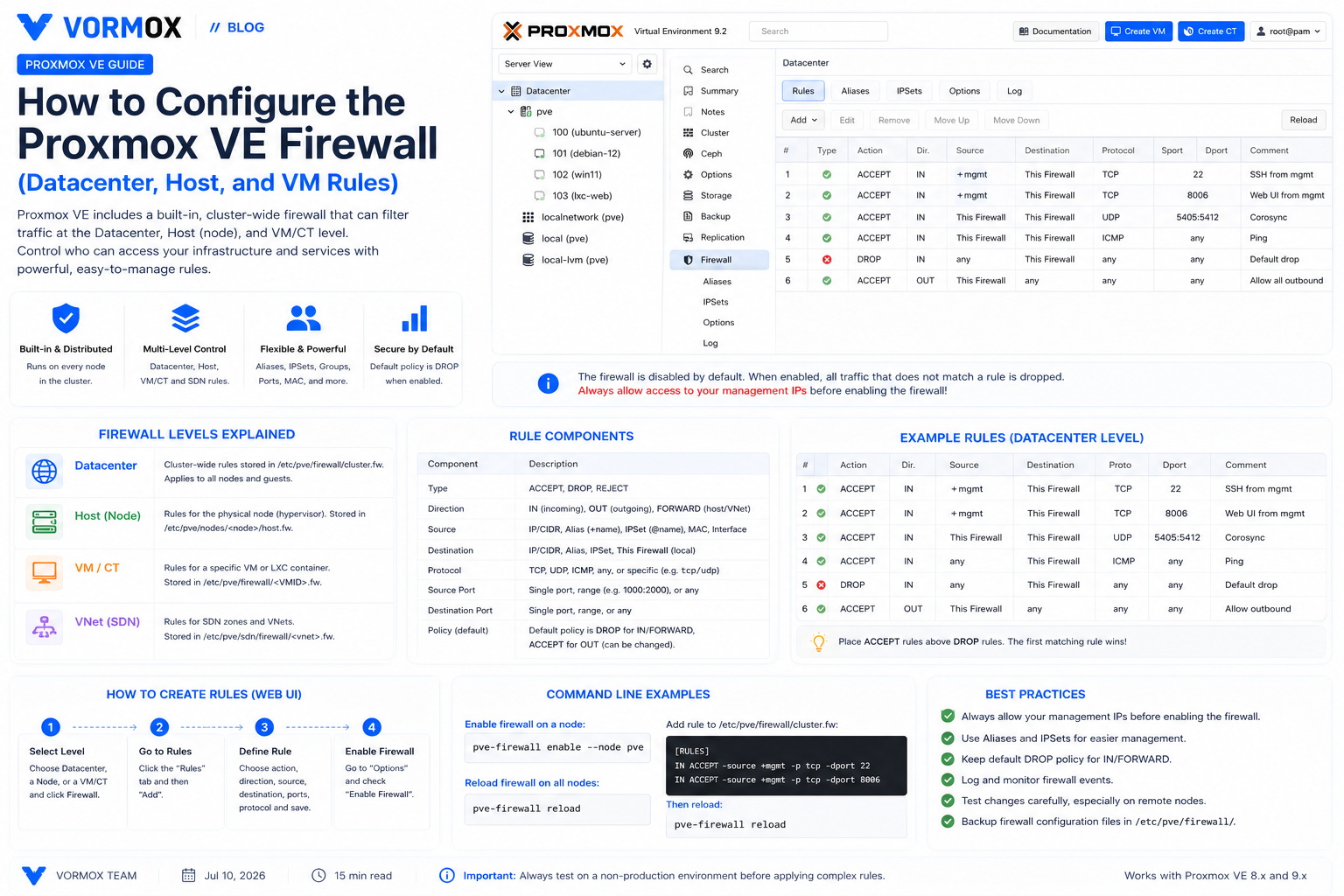
How to Configure the Proxmox VE Firewall (Datacenter, Host, and VM Rules)
A practical walkthrough of Proxmox VE's built-in firewall — datacenter, host, and VM-level rules, security groups, IPSets, and logging — with a rollout checklist that avoids locking yourself out.
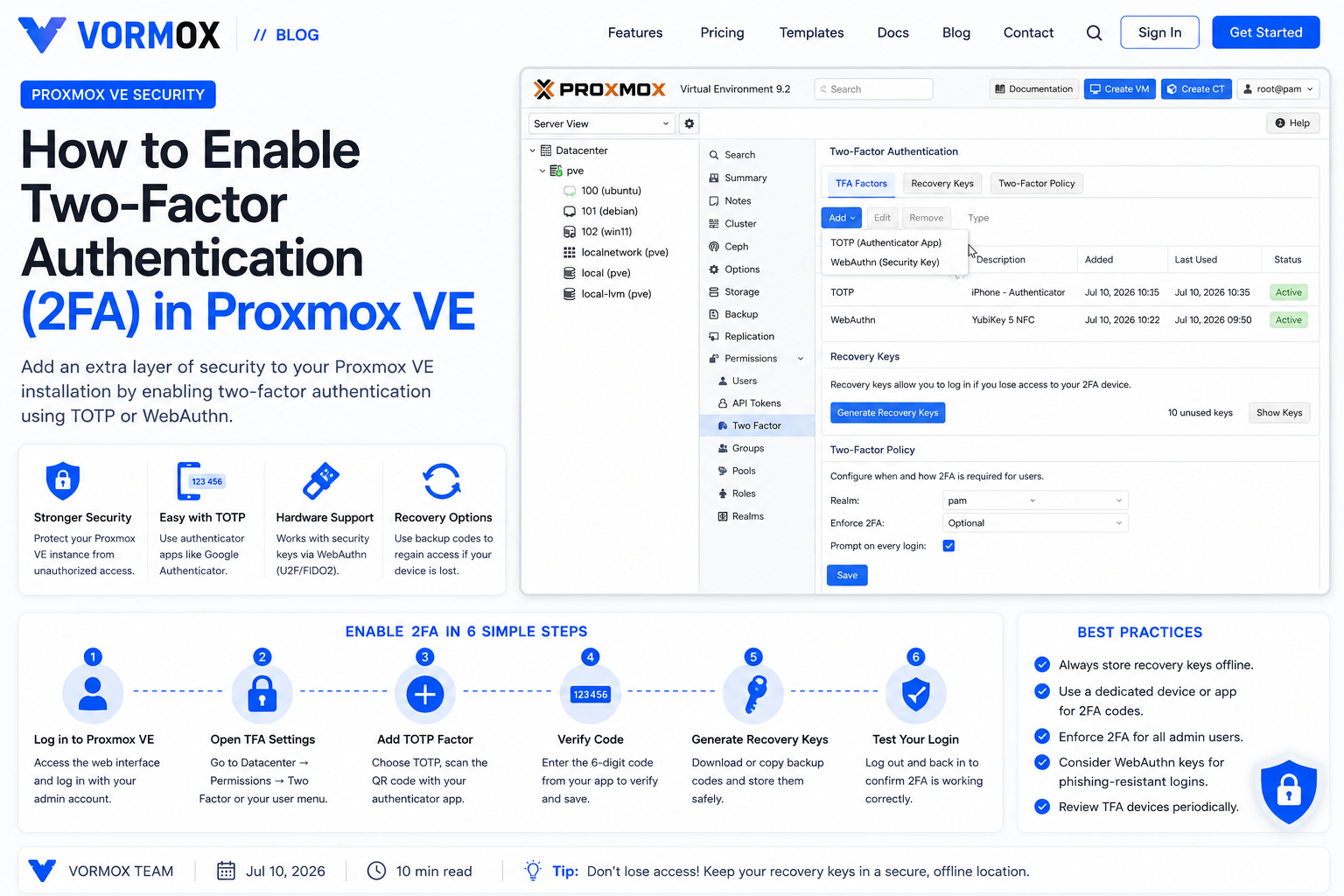
How to Enable Two-Factor Authentication (2FA) in Proxmox VE
A beginner's walkthrough for turning on TOTP two-factor authentication in Proxmox VE, including recovery keys, realm-wide enforcement, and how to recover if you lock yourself out.
Page 2 of 3