Security
Articles in Security.
Blog posts
How to Change the Root Password in Proxmox VE (GUI, Shell, and pveum)
Learn three ways to change the root password on a Proxmox VE host: the web GUI Password button, the Linux passwd command, and the pveum CLI tool — plus what to do if it does not seem to take effect.
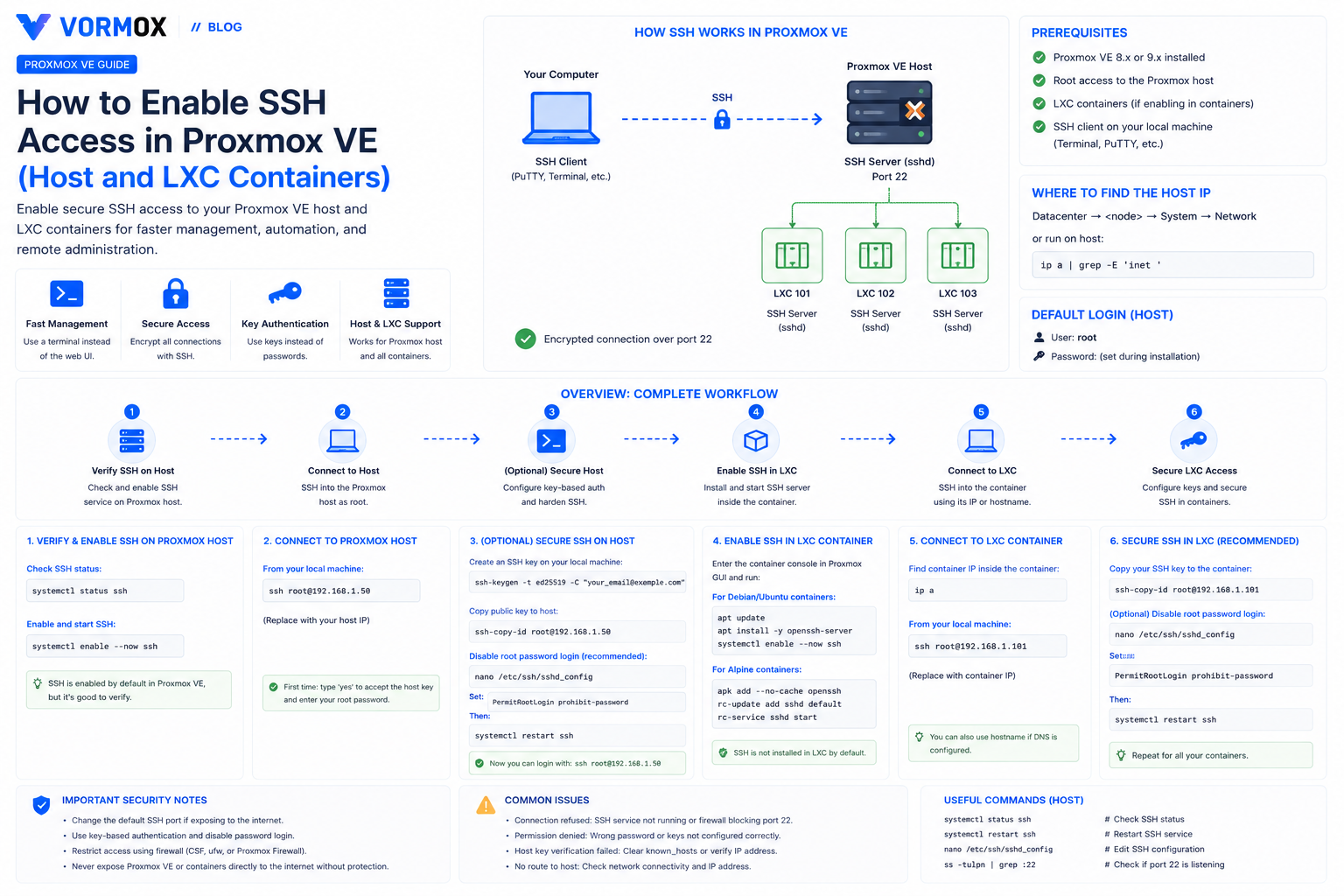
How to Enable SSH Access in Proxmox VE (Host and LXC Containers)
SSH already works on a fresh Proxmox VE host, but LXC containers don't come with it. Here's how to connect to both, lock down root login, and fix the errors people hit along the way.
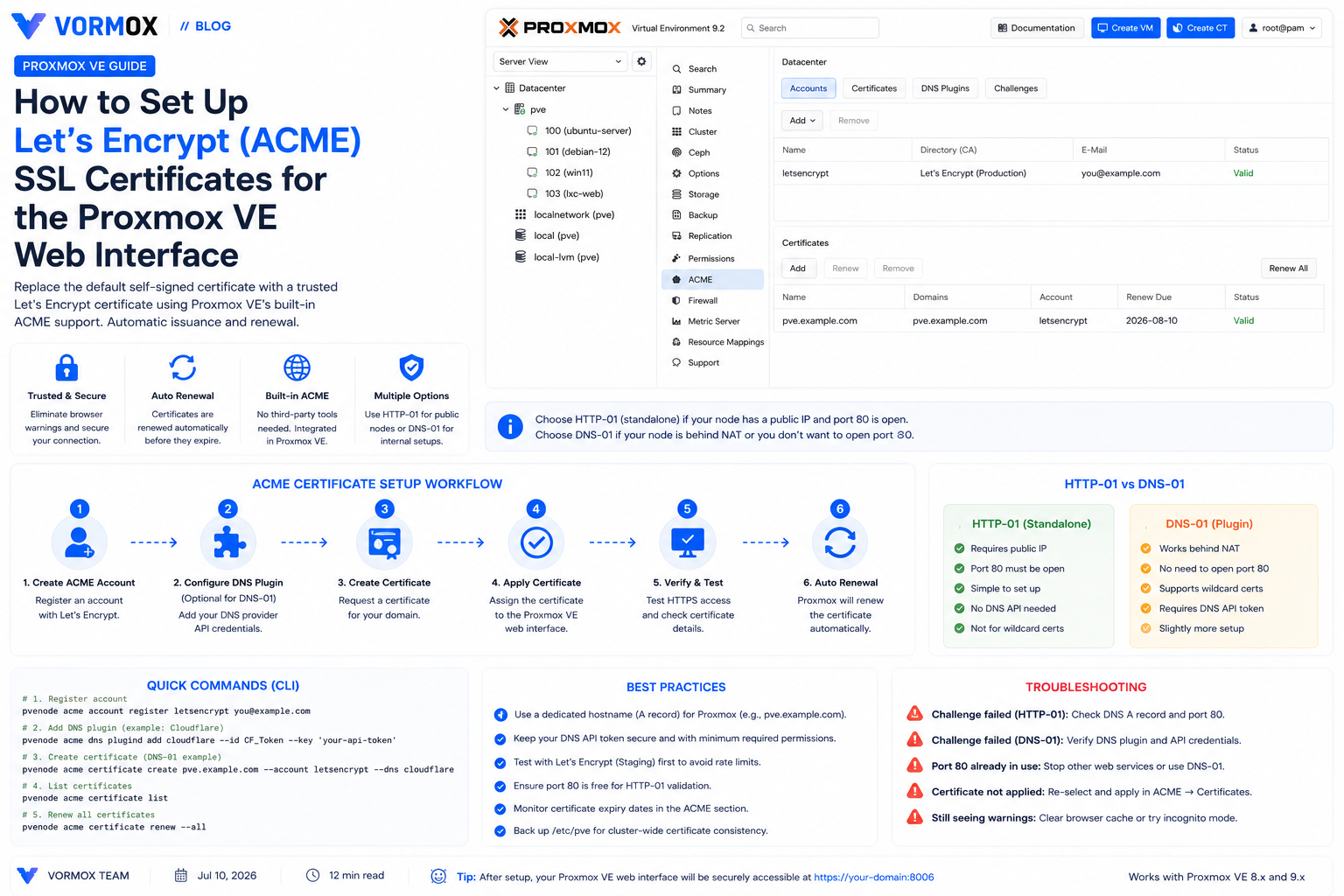
How to Set Up Let's Encrypt (ACME) SSL Certificates for the Proxmox VE Web Interface
Proxmox VE's web UI ships with a self-signed certificate by default. Here's how to replace it with a trusted, auto-renewing Let's Encrypt certificate using the built-in ACME client, via HTTP-01 or DNS-01 challenges.
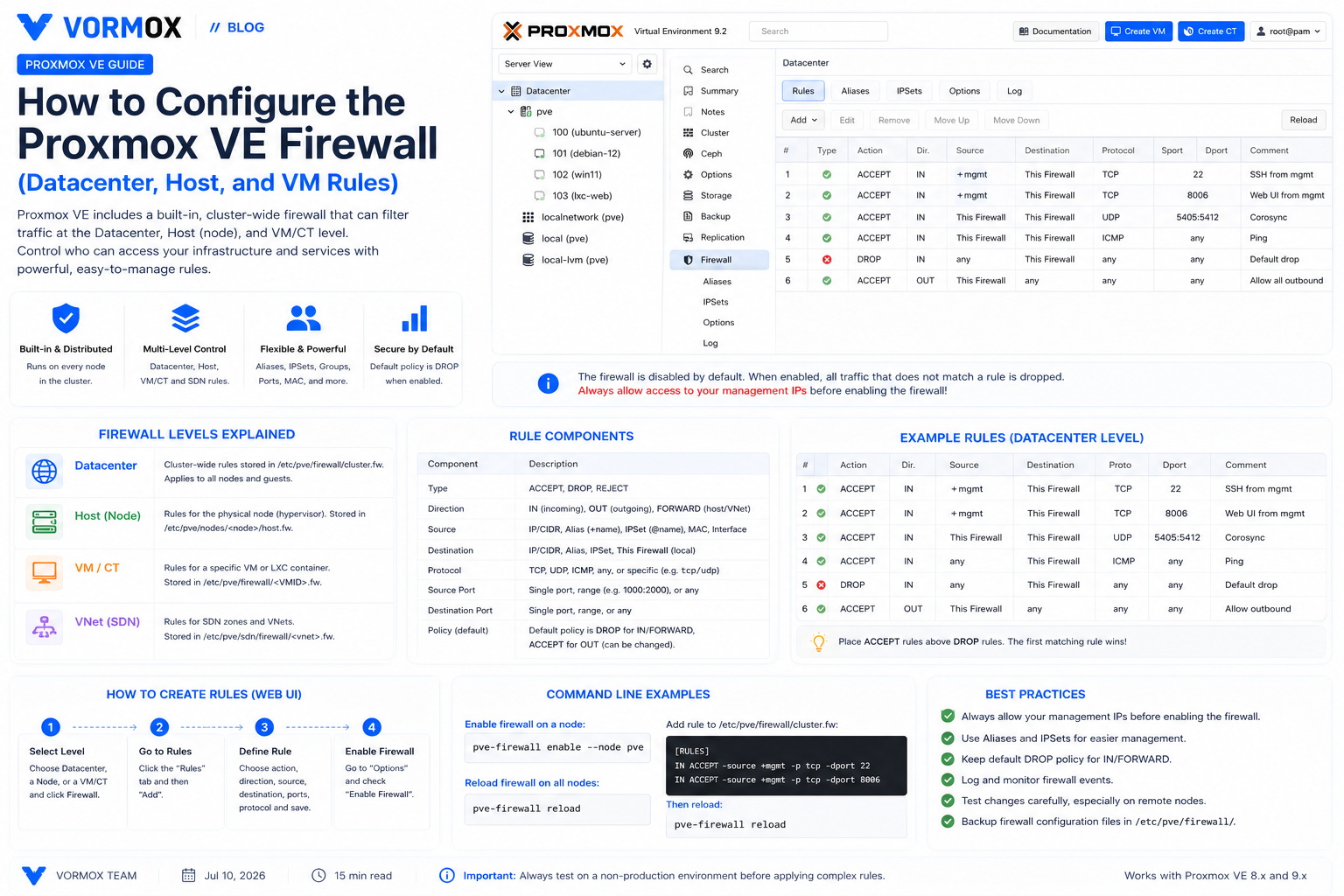
How to Configure the Proxmox VE Firewall (Datacenter, Host, and VM Rules)
A practical walkthrough of Proxmox VE's built-in firewall — datacenter, host, and VM-level rules, security groups, IPSets, and logging — with a rollout checklist that avoids locking yourself out.
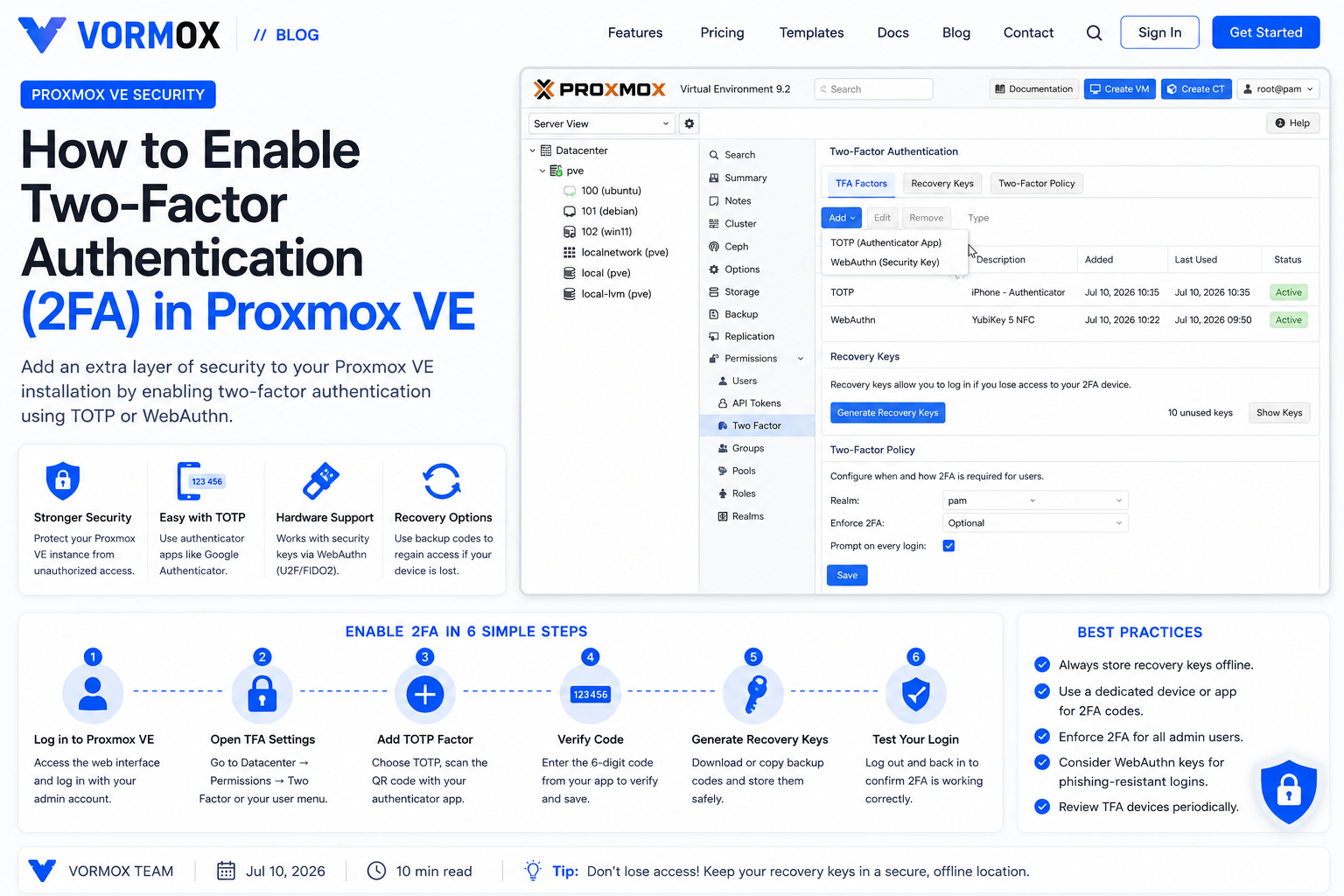
How to Enable Two-Factor Authentication (2FA) in Proxmox VE
A beginner's walkthrough for turning on TOTP two-factor authentication in Proxmox VE, including recovery keys, realm-wide enforcement, and how to recover if you lock yourself out.
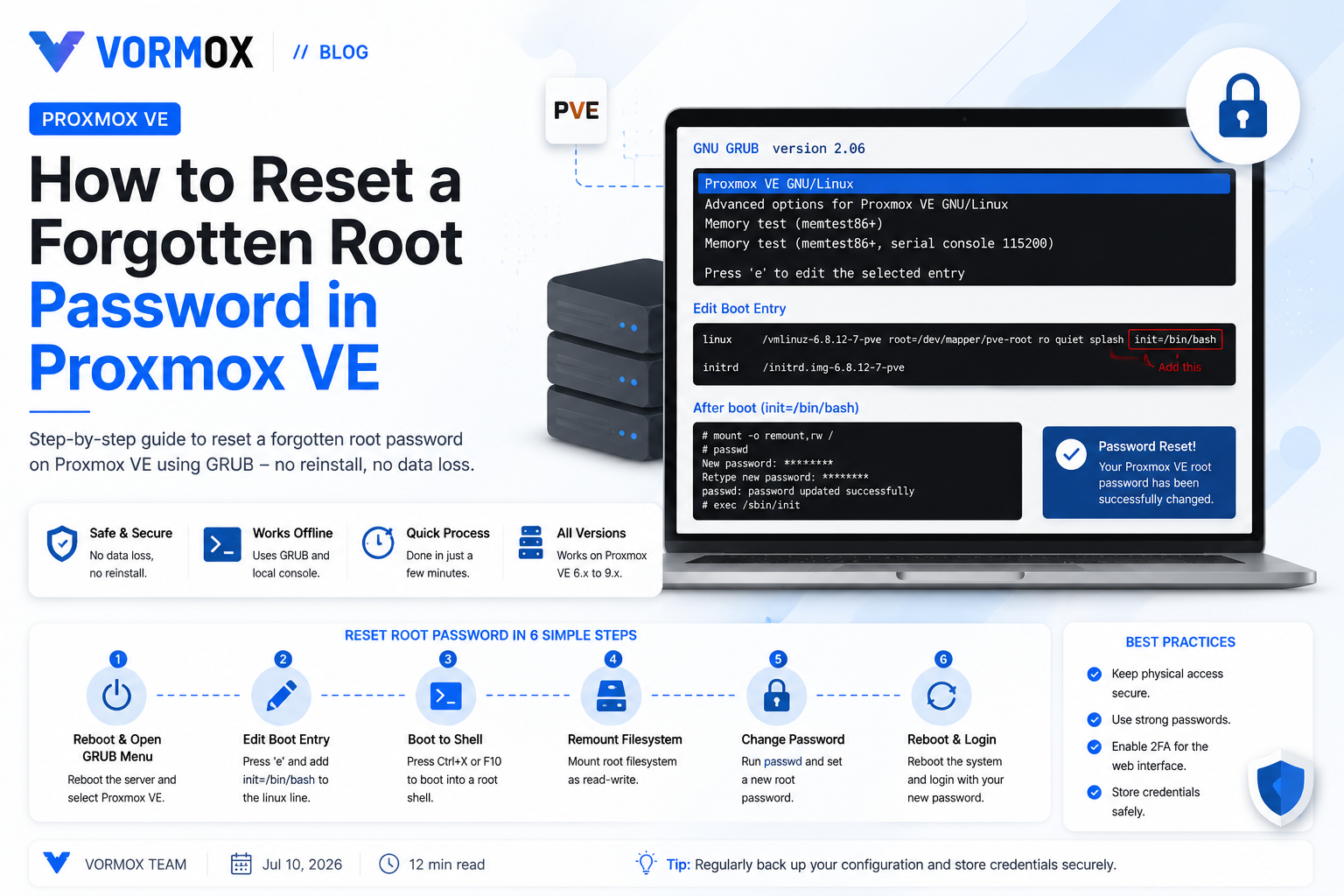
How to Reset a Forgotten Root Password in Proxmox VE
Locked out of your Proxmox VE host? Learn how to reset a forgotten root password using GRUB recovery mode, a live-CD fallback, and the separate process for LXC containers.
Page 2 of 2