#virtual-machines
Every post tagged virtual-machines.
Blog posts
How to Create an Ubuntu VM in Proxmox VE (Step-by-Step Guide)
New to Proxmox and want your first real VM? This step-by-step guide walks through installing Ubuntu Server as a Proxmox VM, from ISO download to guest agent setup, with the settings that actually matter for a Linux guest.
How Memory Ballooning Works in Proxmox VE (And When to Disable It)
A deep dive into how the virtio-balloon device lets Proxmox VE dynamically resize VM memory, how to configure it via the GUI and qm.conf, and when you should turn it off for databases, PCI passthrough, and SLA-bound workloads.
How to Install VirtIO Drivers for Windows VMs in Proxmox VE
Windows can't see VirtIO disks or network cards without extra drivers. Here's how to attach the virtio-win ISO, load the storage driver during setup, and finish with the guest tools installer.
How to Fix "VM Won't Start" Errors in Proxmox VE (Common Causes and Fixes)
Your Proxmox VM won't boot and the task log is full of jargon? Here's how to actually read that error, find out what's really wrong, and get the VM running again.
How to Migrate VMs from VMware ESXi to Proxmox VE Using the Import Wizard
Leaving VMware ESXi? Here's how to use Proxmox VE's built-in Import Wizard to pull VMs directly off an ESXi host, what Live-Import really risks, and the VirtIO/BIOS cleanup steps you'll need afterward.
How to Set Up USB Device Passthrough for VMs and LXC Containers in Proxmox VE
A practical guide to passing USB devices — dongles, serial adapters, webcams, and security keys — into Proxmox VE virtual machines and LXC containers, covering vendor/ID and physical-port binding, cluster-wide Resource Mappings, and the modern pct device-passthrough workflow for unprivileged containers.
How to Delete a Virtual Machine in Proxmox VE (Safely, Without Losing Data)
Cleaning up old test VMs? Here's how to safely delete a virtual machine in Proxmox VE using the web GUI and the qm destroy command, plus how to avoid wiping disks or backups you actually wanted to keep.
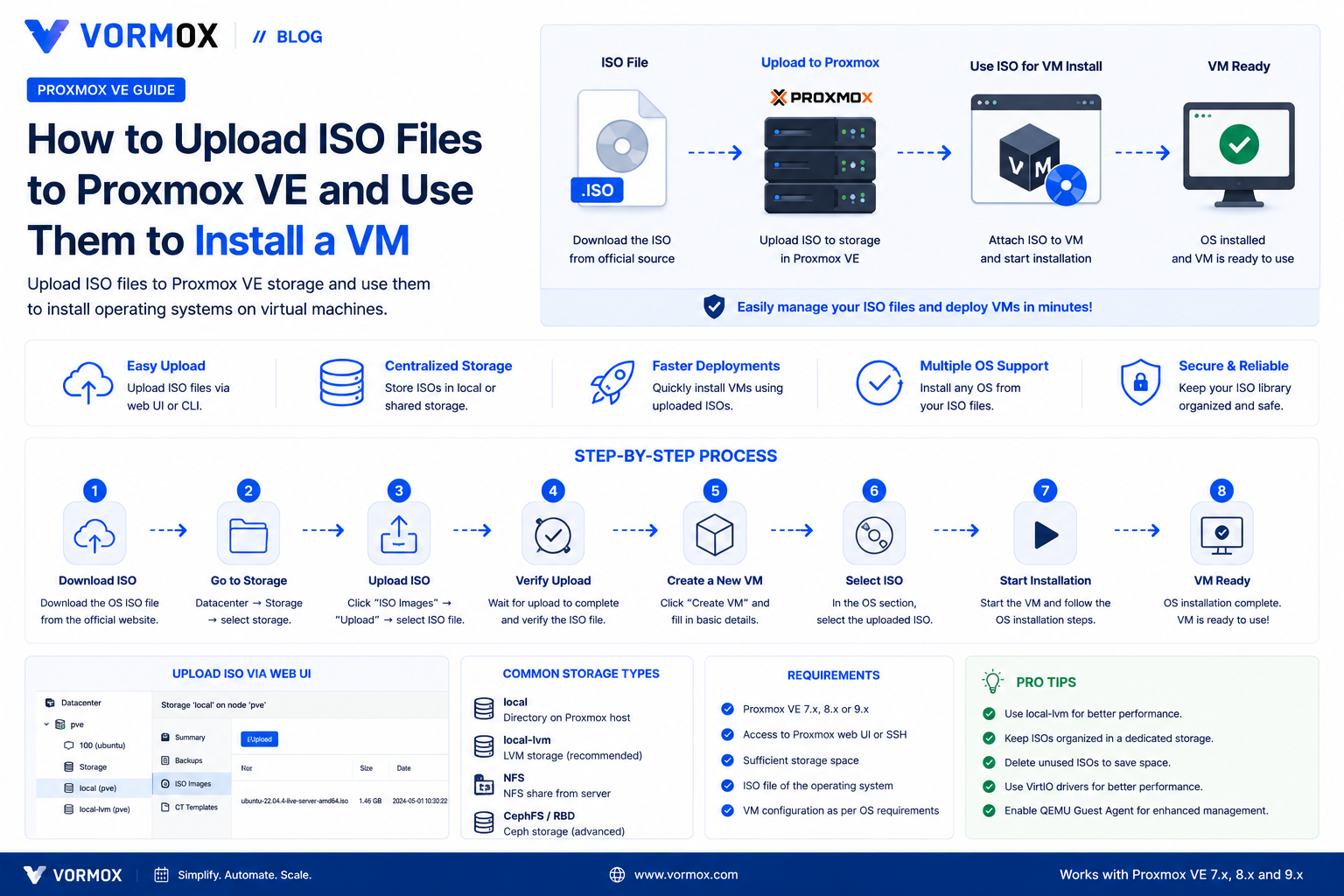
How to Upload ISO Files to Proxmox VE (And Use Them to Install a VM)
Your Create VM wizard's ISO dropdown is empty and you're stuck before you've started. Here are three reliable ways to get an ISO onto Proxmox VE, from browser upload to Download from URL to scp.
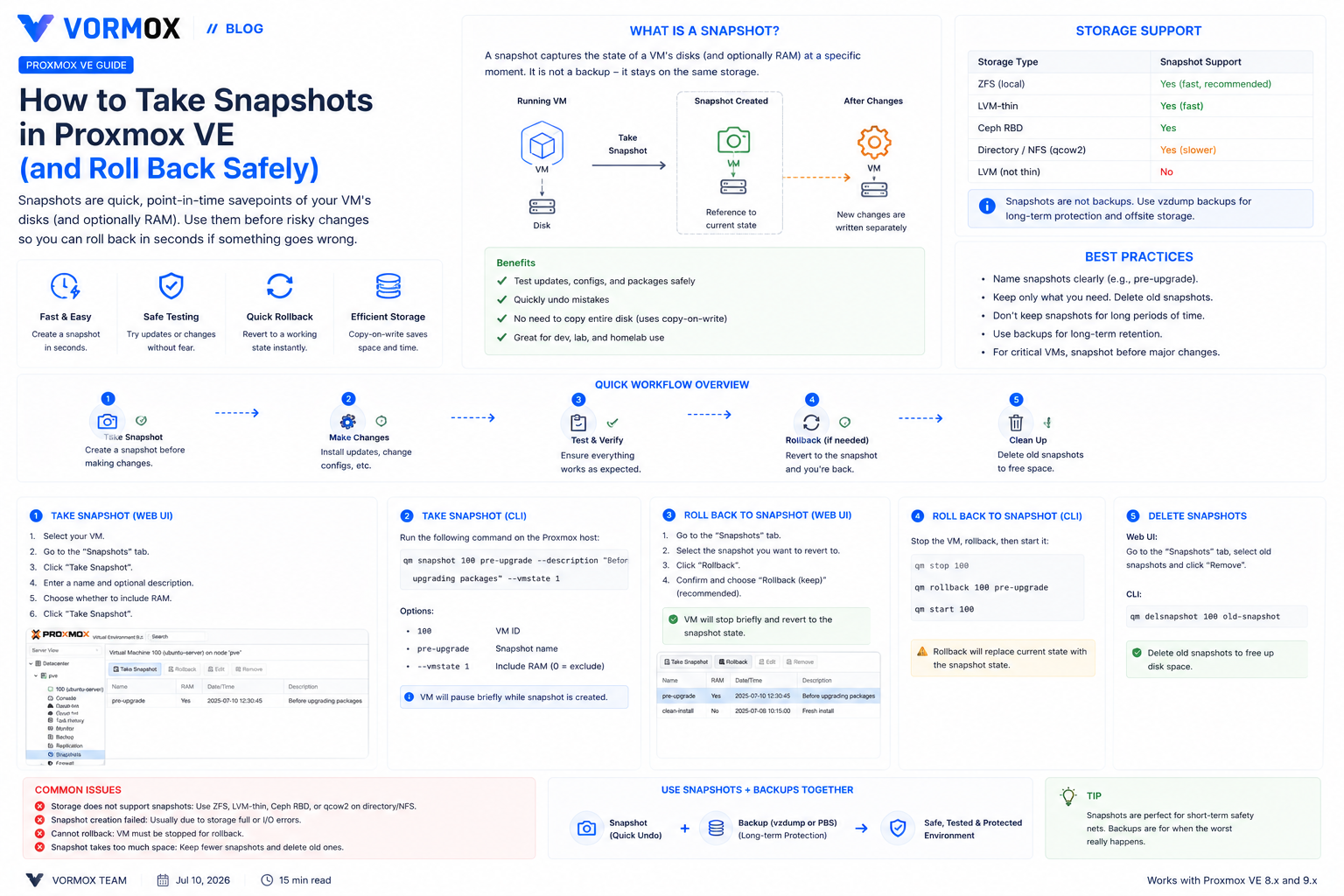
How to Take Snapshots in Proxmox VE (and Roll Back Safely)
Learn how to take, list, roll back, and delete VM and container snapshots in Proxmox VE, which storage types support them, and why a snapshot isn't the same thing as a backup.
Page 6 of 7