#beginner guide
Every post tagged beginner guide.
Blog posts
How to Change the Proxmox VE Web Interface Language (And Set a Sitewide Default)
Proxmox VE ships in English, but the web UI has been translated into 20+ languages. Here's the difference between the login-screen dropdown, your personal My Settings preference, and the sitewide default in datacenter.cfg.
How to Fix a Wrong Keyboard Layout in Proxmox VE (Installer, noVNC Console, and Guest OS)
Typing the wrong characters in the Proxmox VE installer, the noVNC console, or inside a VM? Keyboard layout is set in three separate places. Here's how to find and fix all three.
How to Fix "Only Root Can Do That" in Proxmox VE (PAM vs PVE Realm Permissions Explained)
Ran a qm or pct command over SSH and got slapped with "only root can do that"? It's almost always a mismatch between PAM and PVE realms, not a bug. Here's what's actually happening and how to fix it properly.
How to Enable Dark Mode in Proxmox VE (And Fix It When It Won't Stick)
Proxmox VE has had a built-in dark theme since version 7.4, but it's tucked away in a settings dialog most people never open. Here's exactly where it is, how it works, and why it sometimes looks like it didn't save.
A Beginner's Tour of the Proxmox VE Web Interface: Every Menu and Tab Explained
New to Proxmox VE? Here's a plain-English tour of the web interface — the resource tree, Datacenter and Node tabs, VM/CT tabs, and console options — so the rest of your Proxmox tutorials finally make sense.
How to Add Local Directory Storage in Proxmox VE (Step-by-Step Guide)
Got a spare disk in your Proxmox host and don't want to deal with ZFS? Here's how to format it, mount it, and add it as directory storage for ISOs, backups, and VM disks.
How to Install Proxmox VE on VirtualBox (Nested Virtualization for Testing and Learning)
No spare hardware? You can run Proxmox VE inside VirtualBox on your everyday laptop or desktop. This guide covers the nested virtualization settings, networking mode, and installer steps that make it actually work.
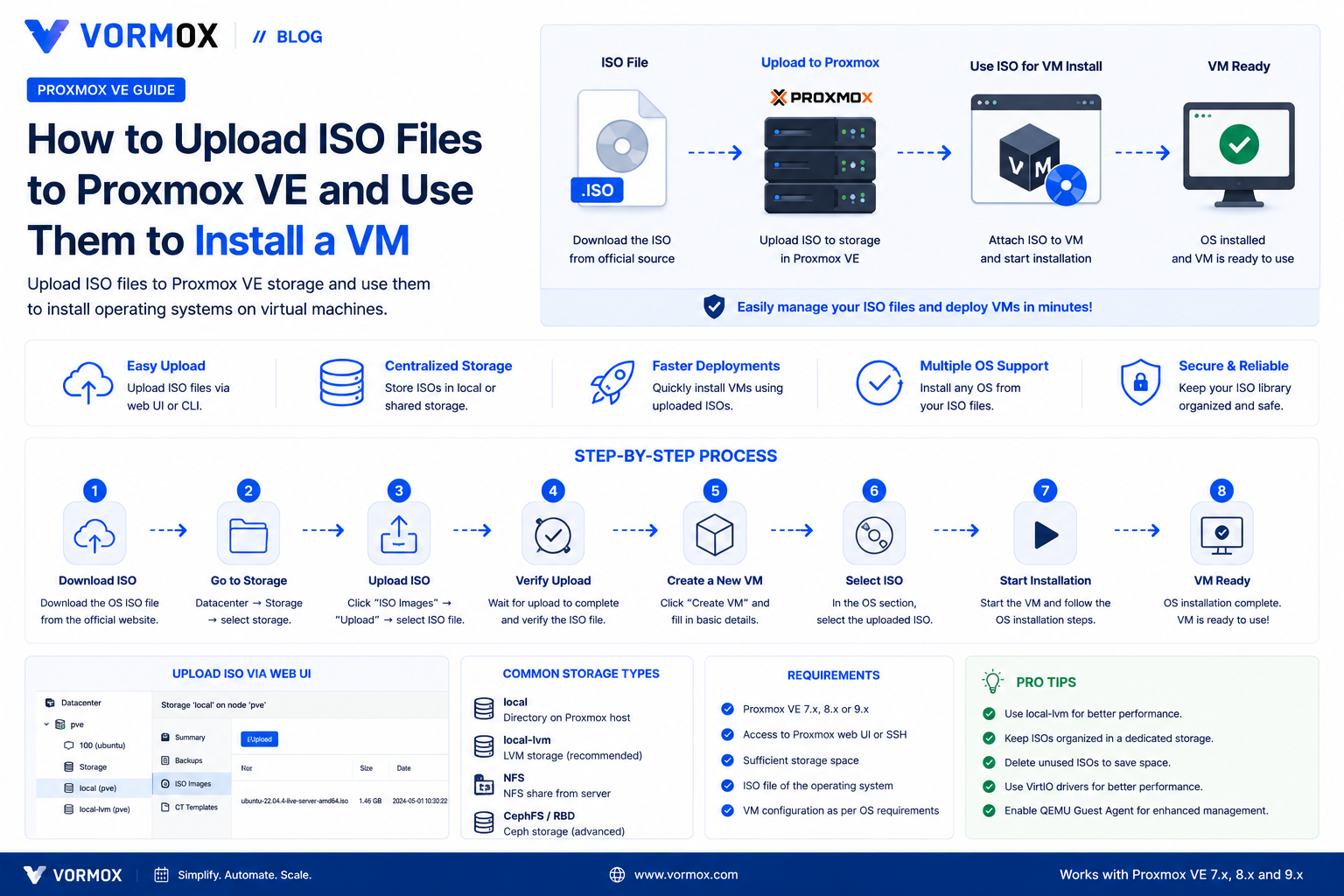
How to Upload ISO Files to Proxmox VE (And Use Them to Install a VM)
Your Create VM wizard's ISO dropdown is empty and you're stuck before you've started. Here are three reliable ways to get an ISO onto Proxmox VE, from browser upload to Download from URL to scp.
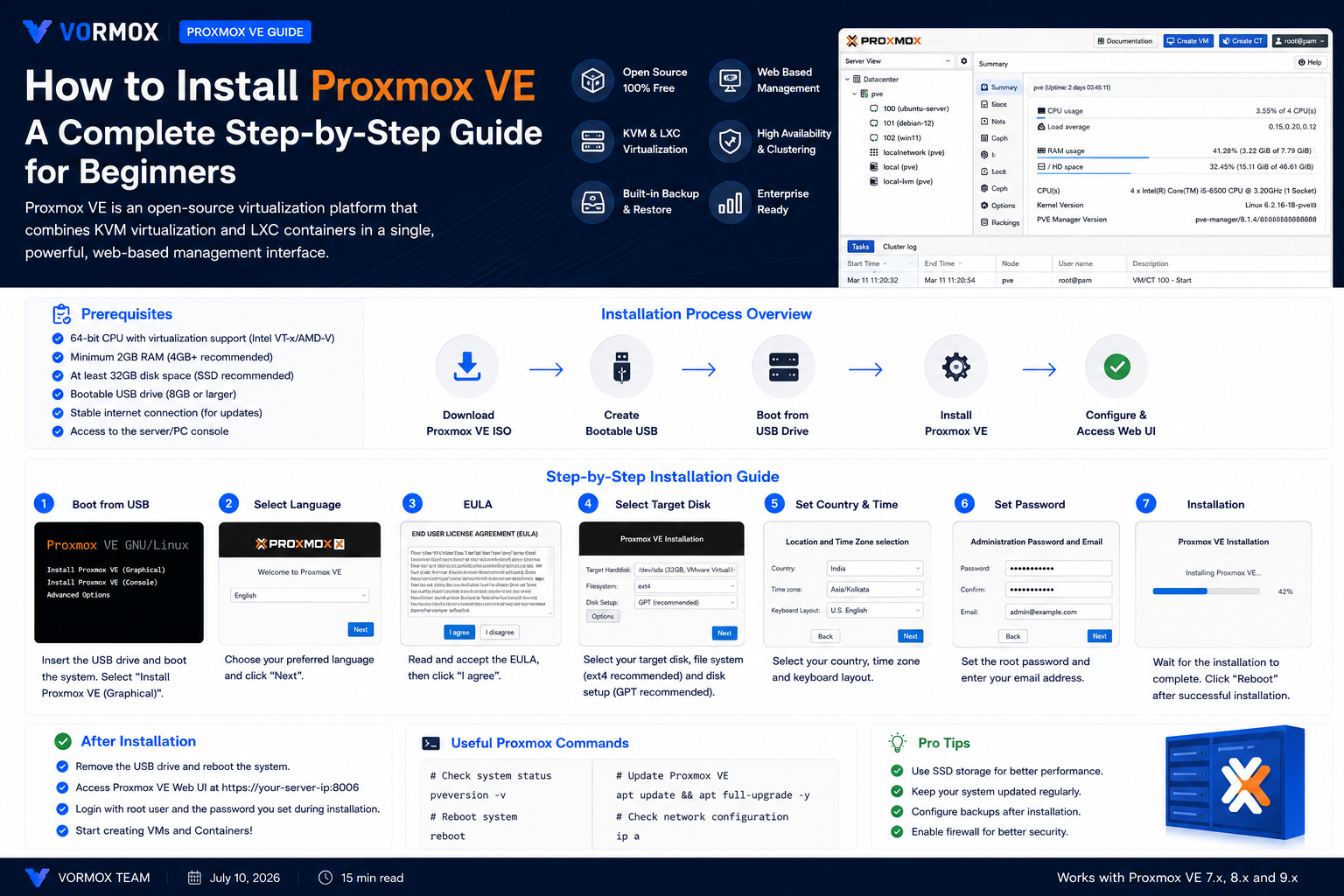
How to Install Proxmox VE: A Complete Step-by-Step Guide for Beginners
New to Proxmox? This step-by-step guide covers everything from downloading the ISO to logging into the web interface for the first time, including the BIOS settings and USB-writing mistakes that trip up beginners.
Page 1 of 2