Virtual Machines
Articles in Virtual Machines.
Blog posts
How to Migrate VMs from VMware ESXi to Proxmox VE Using the Import Wizard
Leaving VMware ESXi? Here's how to use Proxmox VE's built-in Import Wizard to pull VMs directly off an ESXi host, what Live-Import really risks, and the VirtIO/BIOS cleanup steps you'll need afterward.
How to Delete a Virtual Machine in Proxmox VE (Safely, Without Losing Data)
Cleaning up old test VMs? Here's how to safely delete a virtual machine in Proxmox VE using the web GUI and the qm destroy command, plus how to avoid wiping disks or backups you actually wanted to keep.
How to Install Windows 11 on Proxmox VE (Step-by-Step Guide)
Windows 11 needs UEFI, a virtual TPM, and VirtIO drivers that Proxmox doesn't add by default. This guide covers the exact System tab settings, loading storage drivers mid-install, and the two errors nearly every beginner hits first.
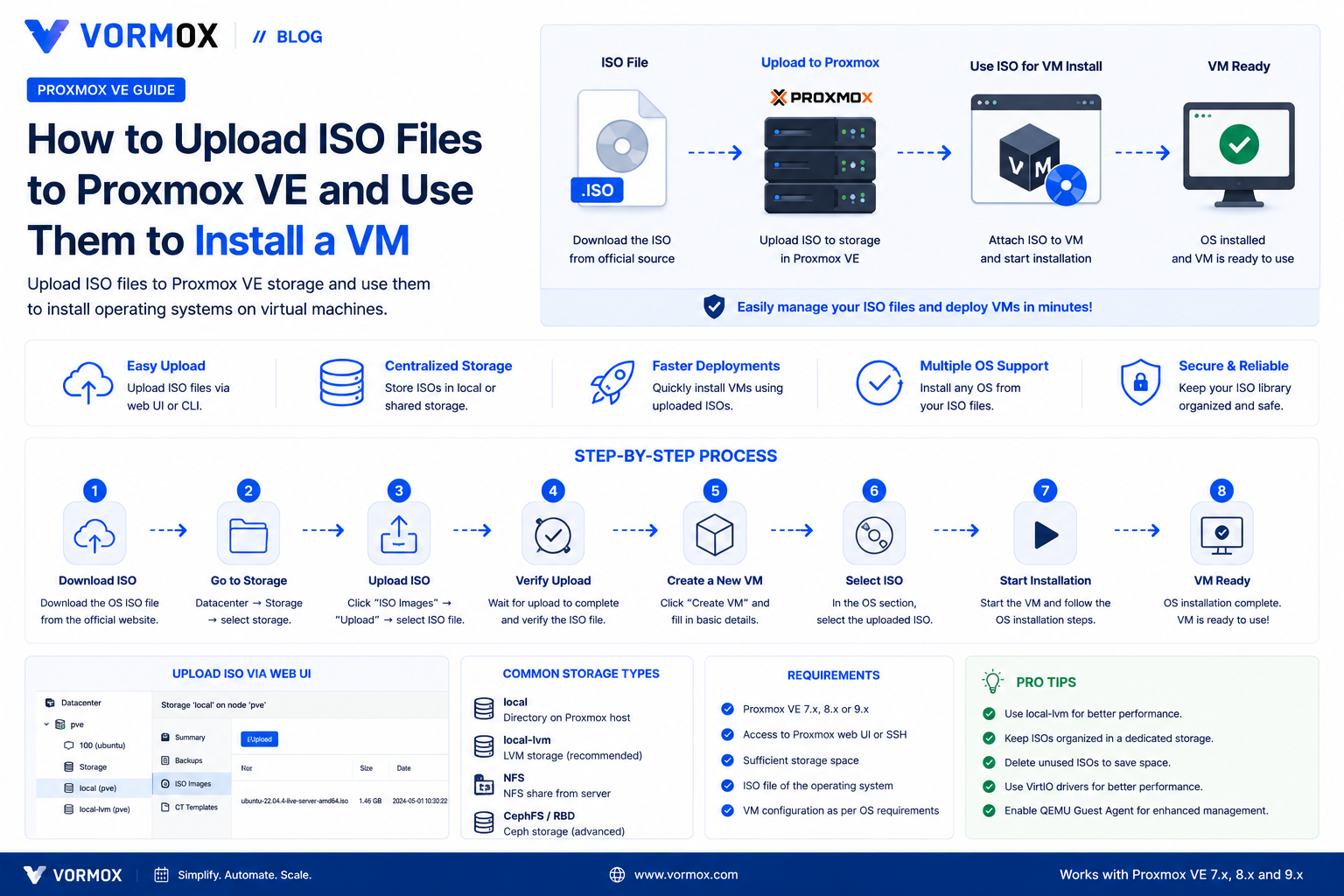
How to Upload ISO Files to Proxmox VE (And Use Them to Install a VM)
Your Create VM wizard's ISO dropdown is empty and you're stuck before you've started. Here are three reliable ways to get an ISO onto Proxmox VE, from browser upload to Download from URL to scp.
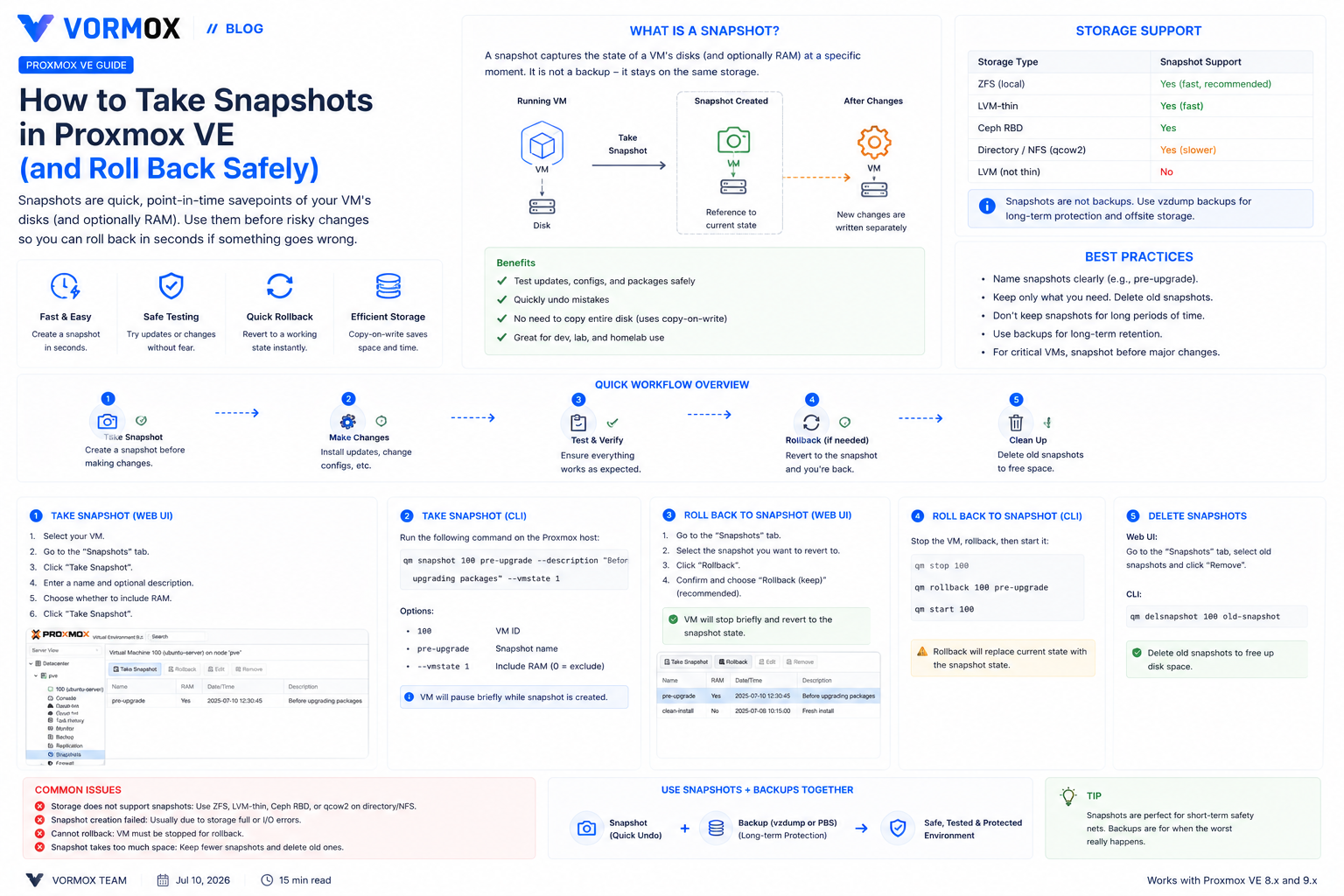
How to Take Snapshots in Proxmox VE (and Roll Back Safely)
Learn how to take, list, roll back, and delete VM and container snapshots in Proxmox VE, which storage types support them, and why a snapshot isn't the same thing as a backup.
How to Clone a Virtual Machine in Proxmox VE (Full Clone vs Linked Clone)
Learn how to clone a VM in Proxmox VE, the difference between full and linked clones, how to build a reusable template, and how to clone from the command line with qm clone.
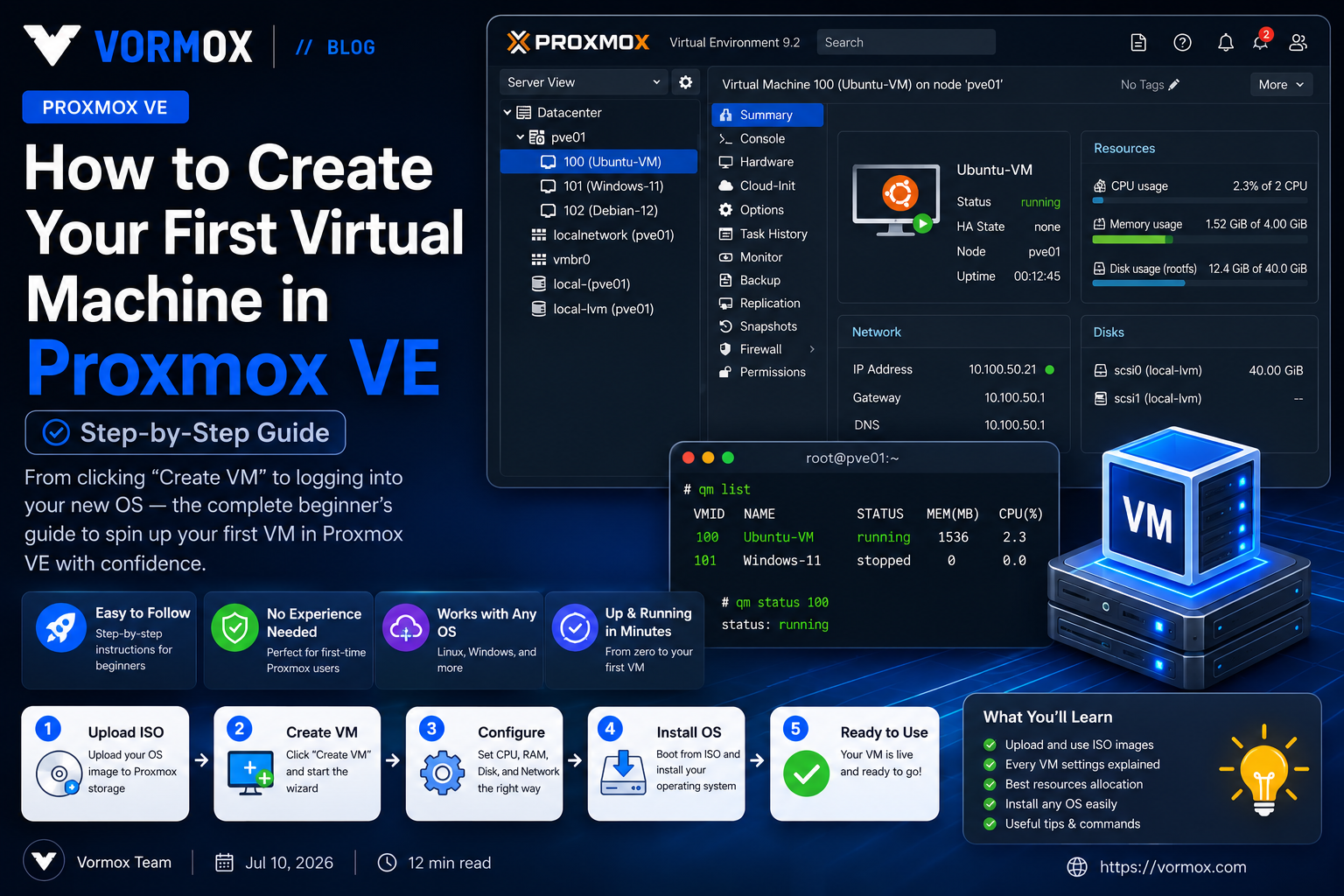
How to Create Your First Virtual Machine in Proxmox VE (Step-by-Step Guide)
Never created a VM before? This step-by-step Proxmox VE tutorial walks you through the Create VM wizard tab by tab, explains every setting in plain English, and gets you from a blank ISO upload to a running virtual machine.
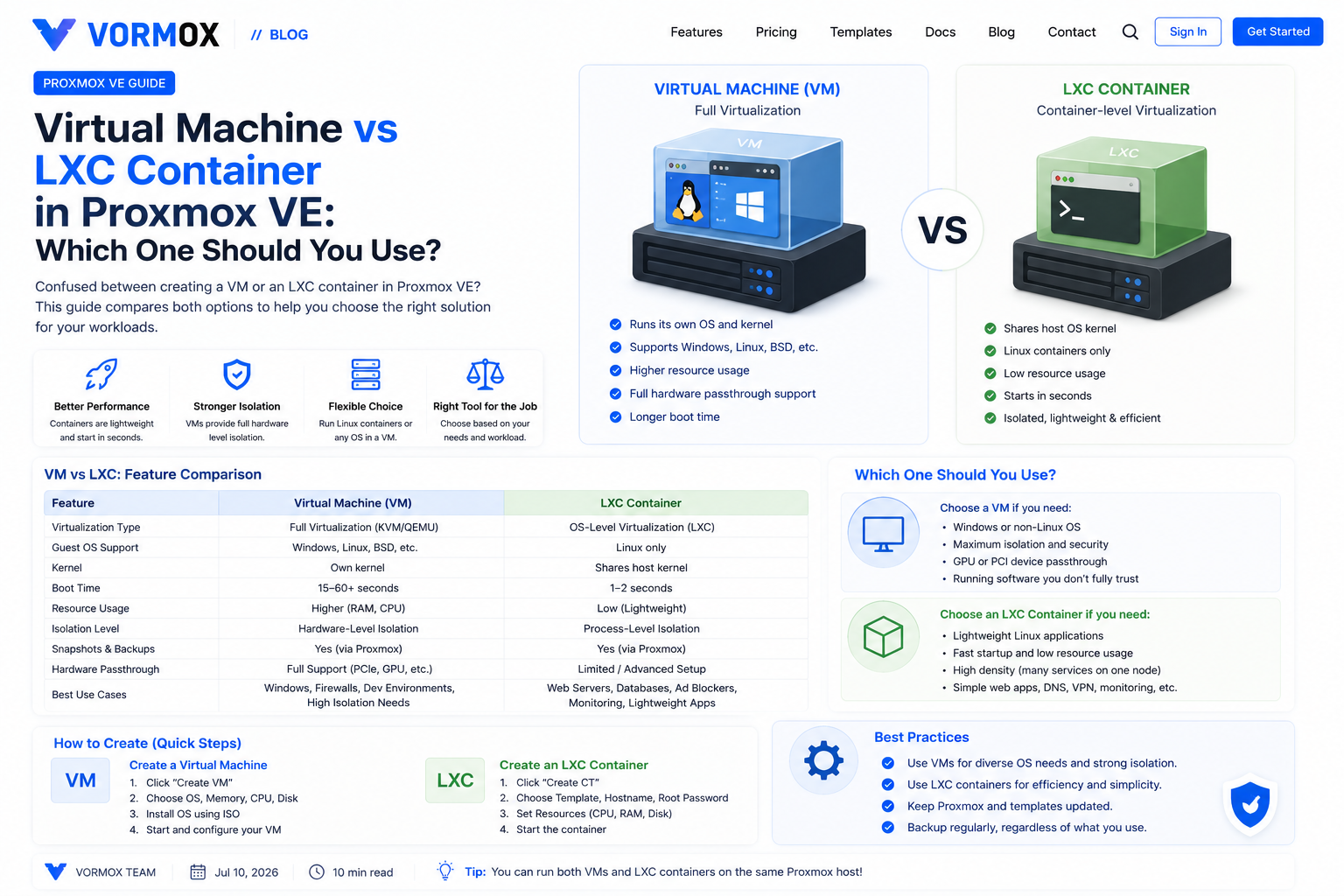
Virtual Machine vs LXC Container in Proxmox VE: Which One Should You Use?
Proxmox gives you two ways to run a workload: Create VM or Create CT. Here's what actually happens under the hood with each one, a side-by-side comparison, and a simple way to decide.
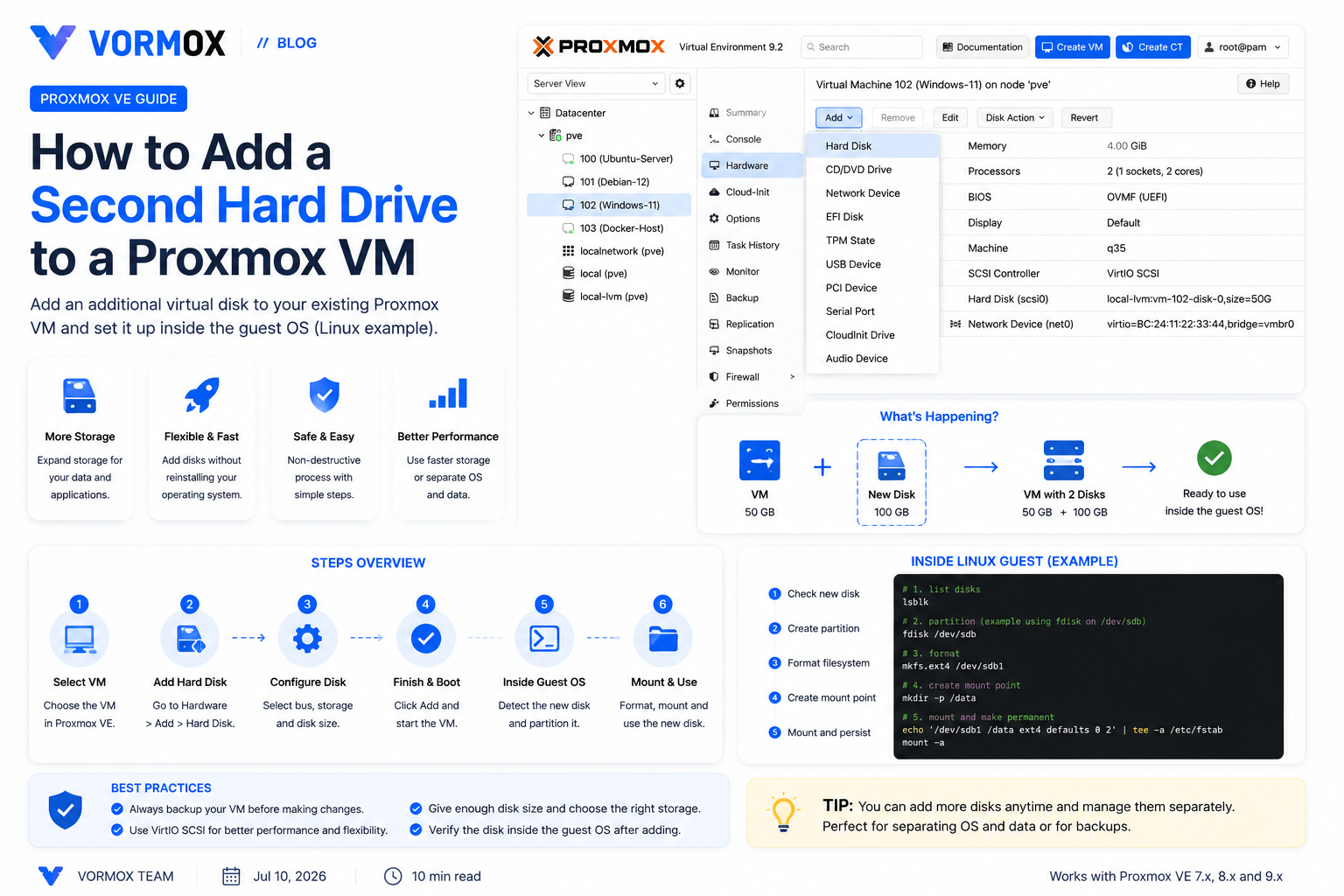
How to Add a Second Hard Drive to a Proxmox VM
A step-by-step guide to adding a second virtual disk to a Proxmox VE virtual machine, from the Proxmox GUI through partitioning, formatting, and mounting it inside Linux.
Page 7 of 8